
A dropped video call at the front desk, a payment terminal that will not connect, or a warehouse scanner that loses signal can interrupt business faster than most teams expect. A properly planned business wireless network installation gives employees, customers, connected devices, and security systems the dependable coverage they need to keep work moving.
For commercial facilities, Wi-Fi is not simply an employee convenience. It often supports point-of-sale systems, cloud applications, phones, visitor access, mobile devices, cameras, tablets, inventory scanners, and building operations. The installation needs to account for how the business works throughout the building, not just whether a laptop can connect in a conference room.
Start With How Your Facility Operates
The first question should not be, “How many access points do we need?” It should be, “What must stay connected, where, and under what conditions?” A medical office, school, manufacturing floor, retail location, church campus, and multi-tenant office building all place different demands on a wireless network.
A facility walkthrough identifies the details that affect performance. Construction materials matter. Concrete, brick, metal shelving, elevator shafts, equipment rooms, refrigerated spaces, and dense walls can weaken or block a wireless signal. So can the everyday movement of people, inventory, and equipment. A network that performs well in an empty building may struggle once the facility is open and fully occupied.
Usage patterns matter just as much. An office where employees mainly use email and cloud software has different requirements than a site that depends on video conferencing, mobile point-of-sale, voice-over-IP calling, or wireless surveillance. Capacity is often the issue in busy locations. One access point may provide a visible signal to many users but still fail to deliver the consistent performance those users expect.
A careful assessment should also consider areas that are easy to overlook: parking lots, loading docks, break rooms, outdoor gathering spaces, storage areas, vestibules, and conference rooms. If employees need connectivity there, it belongs in the design discussion.
What a Business Wireless Network Installation Requires
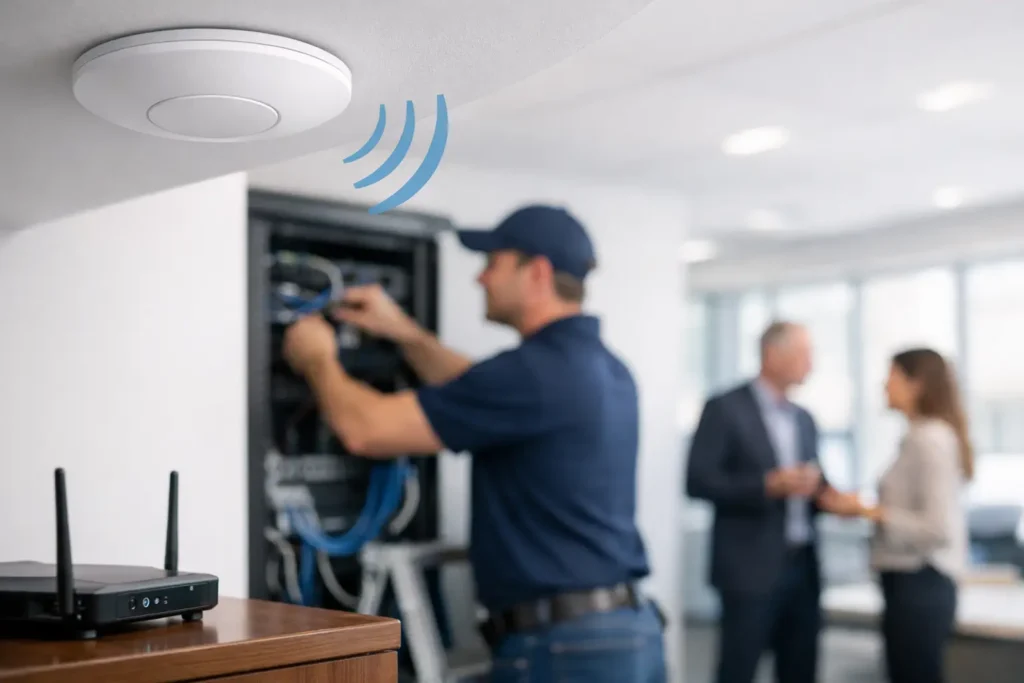
Reliable wireless service begins with the wired infrastructure behind it. Each access point needs a properly installed cable run, appropriate network switching, and in many cases Power over Ethernet. This allows the access point to receive data and power through one cable while keeping the installation organized and serviceable.
Structured cabling should be installed to recognized industry standards, clearly labeled, tested, and documented. Cutting corners behind ceilings or above walls may reduce the initial project cost, but it can create difficult troubleshooting and expensive changes later. The same principle applies to network racks, patch panels, power protection, and cable management.
Placement is another critical decision. Access points should be positioned for coverage and capacity, not simply wherever cable installation appears easiest. Mounting location, height, antenna pattern, nearby obstructions, and the wireless environment all affect results. In some facilities, a ceiling-mounted access point is appropriate. In others, specialized equipment or a different mounting approach may be needed to serve a warehouse aisle, exterior area, or production floor.
The network also needs enough switching capacity and internet bandwidth to support real-world demand. Adding more wireless access points cannot solve a slow internet connection, an undersized firewall, or aging network equipment. A complete design looks at the connection from the user device through the access point, cabling, switch, firewall, and internet service.
Coverage Is Not the Same as Performance
Seeing a Wi-Fi network name on a phone does not prove the network is ready for business use. The stronger measure is whether users can connect reliably, move through the facility without disruption, and use the applications that support their work.
This is especially important for voice and video. These services are sensitive to delay, interference, and dropped connections. A site that only needs basic web browsing can tolerate conditions that would be unacceptable for a business relying on wireless phones, cloud-based cameras, or frequent video meetings.
There is also a practical trade-off between broad coverage and high user density. A large open facility may need fewer access points to reach every area, while a busy office, classroom environment, or event space may need more access points to support many simultaneous users. The right solution depends on the application, building layout, and expected device count.
Security Must Be Built Into the Design
A business wireless network should separate the people and devices that use it. Employee devices, guest devices, payment systems, security equipment, and operational technology should not all share unrestricted access to the same network resources.
Network segmentation helps limit unnecessary exposure. For example, a visitor using guest Wi-Fi should be able to access the internet without gaining access to internal files, printers, cameras, or business systems. Likewise, access control panels, surveillance equipment, and other connected devices may require their own protected network segments.
Strong authentication, secure passwords, current encryption standards, and properly configured firewalls are foundational. Security also depends on ongoing management. Equipment software must be maintained, user access should be reviewed, and former employees or unused devices should be removed promptly.
Physical security and network security increasingly overlap. Cameras, intercoms, access control systems, and alarm communications depend on dependable connectivity. When these systems are planned together, businesses can avoid competing cable routes, fragmented support responsibilities, and gaps between the network and the security systems it supports.
Plan for Growth Before It Becomes Urgent
A wireless network installation should support the business you expect to operate over the next several years, not only the number of devices on site today. New employees, additional tenants, cloud applications, guest access, digital signage, mobile workflows, and connected security systems all add demand.
Planning for growth does not always mean purchasing the most expensive equipment available. It means selecting a design that can be expanded without rebuilding the entire network. Extra cable capacity, available switch ports, adequate rack space, and a clear network layout make future changes more manageable.
Multi-site organizations should also consider consistency. Standardizing network names, guest access policies, security settings, and support procedures can reduce confusion for staff and simplify administration. However, each location still deserves an individual review. A small office, a large warehouse, and a customer-facing retail site should not receive identical designs simply because they belong to the same organization.
Installation Is Only One Stage of the Work
Once equipment is installed, it should be tested under realistic conditions. This includes confirming coverage in intended areas, validating wired connections, checking device connectivity, reviewing guest network separation, and documenting installed equipment and cable runs. Testing gives the business a clear baseline for future support.
Ongoing service matters because a network is not static. Offices are rearranged, walls are added, equipment changes, and new devices appear. A local provider that understands the original installation can respond more effectively when a service request arises or when expansion is needed.
For Central Alabama businesses, working with one accountable technology partner can simplify decisions across data networks, structured wiring, internet and phone services, access control, alarms, intercoms, and video surveillance. Comtex brings these systems together so the infrastructure supporting daily operations is designed with the full facility in mind.
Questions to Resolve Before the Work Begins
Before approving an installation, business leaders should be able to get clear answers about the proposed coverage areas, expected device capacity, security approach, cabling standards, network equipment, testing process, and future expansion options. They should also know who will support the system after installation and how changes will be handled.
A low initial quote can be appealing, but it is worth examining what it leaves out. Insufficient access points, untested cable runs, poor documentation, weak security configuration, and no ongoing support plan can shift cost and risk to the business later. The better value is an installation built around operational needs and maintained by people who can stand behind the work.
When wireless connectivity is treated as core business infrastructure, employees can work with confidence, customers receive better service, and connected security systems have the foundation they need. The right installation gives your facility a practical advantage every day: technology that supports the work instead of becoming another interruption.