
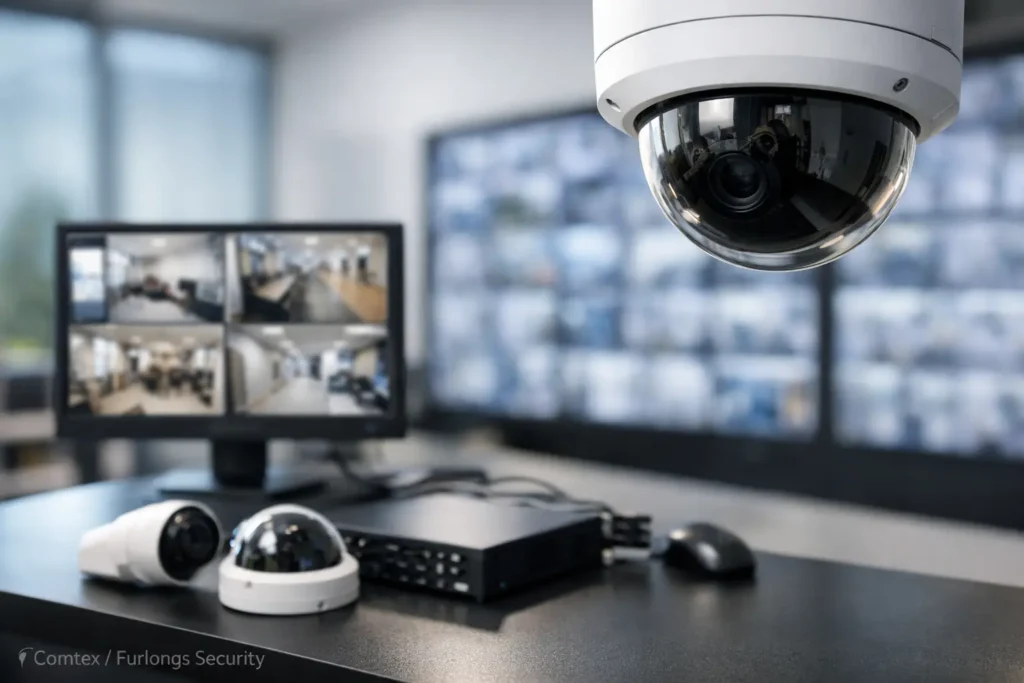
A camera placed above the front door may record who enters a building, but it will not necessarily show a face clearly, capture a license plate, or explain what happened in a loading area after hours. A commercial video surveillance system guide should begin with those practical questions, not with a camera catalog. The right system protects people, property, and operations by delivering usable video when an incident, dispute, or safety concern requires answers.
For Central Alabama businesses, the best design depends on the building, the work being performed there, the hours of operation, and the risks that matter most. A medical office, warehouse, retail store, school, and multi-tenant property can all use video surveillance, but they should not use the same coverage plan. Call Comtex for a custom designed security solution for your business (or home). www.COMTEX.org
What a Commercial Video Surveillance System Guide Should Cover
A commercial surveillance system is more than a collection of cameras. It includes camera placement, network capacity, video recording, user access, installation practices, and a plan for service over time. Missing one of these elements can leave a business with cameras that look impressive but fail to provide useful evidence when it counts.
Start by identifying what the system needs to accomplish. Many organizations need to deter theft and unauthorized access, document incidents, monitor key operational areas, and help managers investigate concerns without relying on incomplete accounts. Others need to protect inventory, verify deliveries, improve safety practices, or oversee several locations from one secure interface.
Clear objectives guide every design decision. If a camera must identify a person at a doorway, it needs a different field of view than a camera intended to provide general visibility across a parking lot. If managers need to review activity at multiple sites, remote access and recording capacity become central parts of the project.
Build Coverage Around Risk and Daily Operations
Effective coverage begins with a walkthrough of the property. Entrances, exits, reception areas, cash-handling points, loading docks, parking areas, equipment rooms, hallways, and perimeter access points are common priorities. The goal is not to record every square foot of a facility. It is to create intentional coverage of the places where business risk and activity overlap.
A site assessment should also account for lighting, traffic patterns, ceiling heights, obstructions, and changing conditions. A camera that performs well in daylight may produce limited detail at night without the right low-light capability or supplemental lighting. Outdoor cameras need suitable weather protection, secure mounting, and a view that is not blocked by trees, signs, delivery vehicles, or glare from exterior lights.
Avoid coverage gaps at transition points
Transition points deserve extra attention because they connect secure and public areas. A side door, employee entrance, gate, stairwell, or rear delivery entrance can be more important than a wide view of a lobby. Cameras should capture the direction of travel and provide enough detail to support identification when appropriate.
It is also wise to consider what happens immediately before and after an event. A camera focused only on a cash register may show the transaction, but additional coverage near the counter, entrance, and exit can provide the context needed for a meaningful review.
Choose Cameras for the Job, Not the Spec Sheet
Camera resolution matters, but higher resolution alone does not guarantee better results. A high-resolution camera placed too far from the subject may still fail to capture the necessary detail. Lens selection, mounting height, lighting, and viewing angle all affect the usefulness of recorded video.
Fixed cameras are often a dependable choice for entrances, hallways, registers, and other areas where the viewing direction is predictable. Varifocal cameras can be adjusted to achieve the right framing for a particular distance or target area. Pan-tilt-zoom cameras can be valuable for large outdoor spaces or active monitoring, although they are not a substitute for fixed cameras covering critical locations. When a PTZ camera is looking one direction, it is not recording detail in another.
Indoor and outdoor environments also call for different hardware. Outdoor cameras should be selected for local weather conditions and installed with attention to cable protection, mounting stability, and power. In areas with poor lighting, infrared capability or carefully designed exterior lighting may be necessary. For locations where faces, badges, or vehicle activity matter, test views should be reviewed before finalizing placement.
Plan Recording and Storage Before Installation
Every business should decide how long video needs to be retained. Retention requirements vary based on risk, internal policy, insurance considerations, industry requirements, and available storage. A retail operation may need a different retention period than a healthcare facility, manufacturing site, or property management company.
Storage planning depends on the number of cameras, their resolution, recording schedule, motion activity, frame rate, and retention target. Continuous recording provides a complete timeline, while motion-based recording can conserve storage in low-activity spaces. The right approach depends on the area being monitored. A busy entrance may justify continuous recording, while a rarely used storage room may be well suited to event-based recording.
Local network video recorders provide direct control over on-site recording and can be designed for dependable retention. Cloud-managed options may offer convenient remote administration and off-site storage, but recurring costs and internet reliability should be evaluated carefully. Some organizations use a combination of local recording and cloud services to balance accessibility, retention, and budget.
Protect the Network Behind the Cameras
IP cameras are network devices, which means surveillance planning must include the network that supports them. Cameras consume bandwidth, require reliable power, and need secure access controls. A system that works well with four cameras may strain an aging network when expanded to 30 cameras, particularly if high-resolution video is being viewed remotely.
A properly designed system may include dedicated network switches, Power over Ethernet, structured cabling, network segmentation, and appropriately sized recording equipment. These details are not visible to visitors, but they have a direct effect on video quality and system reliability.
Cybersecurity should also be part of the conversation. Default passwords, outdated firmware, and unrestricted remote access can create unnecessary exposure. Limit user permissions by role, use strong credential practices, maintain software updates, and work with an experienced provider that understands both low-voltage security systems and business networks.
Integrate Video With Access Control and Alarm Systems
Video is most useful when it supports a broader security plan. Integration with access control can help managers review video associated with a door event, such as a card swipe, forced entry, or after-hours access attempt. Alarm events can trigger notifications and provide a faster path to relevant footage.
This connected approach gives facility managers a clearer picture of what occurred without moving between disconnected systems and vendors. It can also improve response procedures for opening and closing the building, visitor management, employee access concerns, and incident documentation.
Integration should be purposeful. A small office may only need camera coverage and basic remote viewing, while a multi-site organization may benefit from centralized user management, access control events, intercom communication, and video monitoring across several properties. The scale of the solution should fit the operational need.
Installation Quality Determines Long-Term Performance
Even quality equipment can perform poorly when installation is rushed. Cable routes, labeled connections, secure mounting, correct camera aiming, protected exterior penetrations, and clean equipment-room organization make future service easier and help preserve system reliability.
Before accepting a new system, review live and recorded video from each camera during relevant lighting conditions. Confirm who can access video, how footage is exported, where recording equipment is located, and what happens during a power interruption or internet outage. Staff members who may need to retrieve video should receive practical instruction, not just a login.
Ongoing service matters as much as the initial installation. Cameras may need re-aiming after facility changes, tree growth can obstruct exterior views, storage settings may need adjustment, and software updates should be handled on a planned basis. A local partner such as Comtex can help organizations align video surveillance with access control, structured cabling, networking, and other essential building systems under one accountable provider.
A well-designed surveillance system should make the next incident easier to understand, not harder. Begin with the decisions your team needs to make after an event, then build coverage, recording, and support around those real operational needs.