
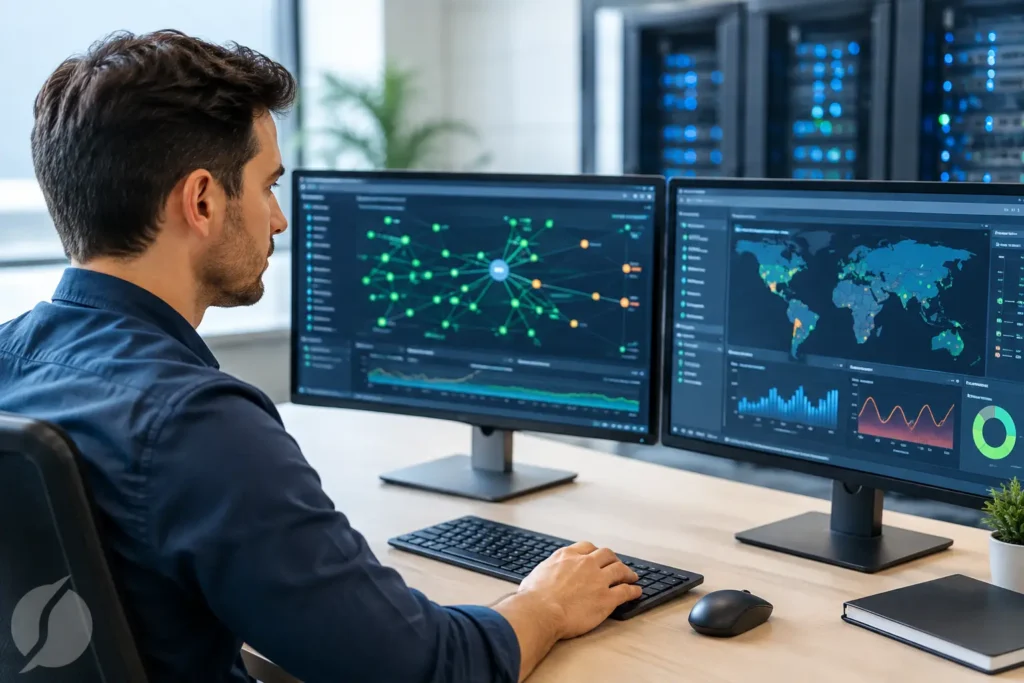
A slow network rarely starts as a major outage. It may begin with dropped calls at the front desk, a camera that stops recording, a point-of-sale terminal that takes too long to respond, or employees losing access to cloud applications. Commercial network monitoring helps businesses identify those warning signs before they affect customers, security, communications, and daily productivity.
For organizations that rely on internet service, wireless access, phones, surveillance cameras, access control, and connected business systems, the network is not a background utility. It is part of the operation. Monitoring provides the visibility needed to maintain that operation with fewer surprises and faster response when an issue occurs.
What Commercial Network Monitoring Does
Commercial network monitoring is the ongoing observation of a business network’s health, availability, and performance. Depending on the environment, it can track internet connectivity, firewalls, switches, wireless access points, servers, network devices, and the connection paths that support critical systems.
The purpose is practical: determine whether systems are operating as expected, recognize a developing problem, and provide useful information for resolving it. Rather than waiting for someone to report that the network is down, a monitored environment can show that a device has gone offline, a connection is unstable, bandwidth is being consumed unusually quickly, or a critical service is no longer responding.
Monitoring is different from simply having network equipment installed. A properly designed network may be reliable from day one, but equipment, cables, internet circuits, software updates, power events, and changing business demands can all affect performance over time. Monitoring adds an operational layer that helps a business keep track of those changes.
Why Monitoring Matters to Commercial Operations
Downtime has a different cost for every organization, but it is rarely limited to IT inconvenience. A medical office may be unable to access scheduling or records. A warehouse can lose communication with inventory systems. A retail location may struggle to process transactions. An office with internet-based phones may find that customer calls cannot be completed.
Network issues also have security implications. Many video surveillance, access control, alarm communication, and intercom systems depend on reliable network connectivity. When a network device fails or a wireless connection becomes unstable, a business may lose visibility or control at the moment it needs it most.
Early detection gives decision-makers options. A technician can investigate a recurring issue before it becomes a full outage. A business can identify where capacity is falling short before adding more users, cameras, or cloud-based applications. It also becomes easier to distinguish between an internal network problem, a power issue, an internet service interruption, or a device-specific failure.
For multi-site organizations, this visibility is especially valuable. Instead of relying solely on a call from each location, operations and IT leaders can have a clearer view of which sites are affected and whether the issue is isolated or widespread.
The Systems Worth Watching
The right monitoring plan should reflect how a business actually operates. Not every device needs the same level of attention, and monitoring everything without priorities can create unnecessary alerts. The focus should be on systems that support revenue, safety, communications, and day-to-day continuity.
Common priorities include internet connections and failover circuits, firewall status, network switches, wireless access points, voice systems, and the network paths used by security cameras and access control equipment. In some environments, monitoring may also include servers, storage, applications, or specialized equipment.
A business with a single office and a small team may need basic visibility into its internet connection, firewall, and wireless network. A larger facility with multiple buildings, cameras, door controllers, hosted phones, and guest Wi-Fi may require a more detailed approach. The goal is not to add complexity. It is to make sure the systems that matter most are visible and supported.
Internet and Firewall Health
An internet connection may appear to be working while still experiencing intermittent drops, high latency, or packet loss. These issues can cause choppy voice calls, slow cloud applications, and unreliable remote access. Monitoring can help document the pattern and determine whether the likely cause is internal equipment, a local connection, or the service provider.
Firewalls deserve attention because they manage the boundary between a business network and outside traffic. Their availability, performance, and configuration can affect both security and connectivity. A firewall that is overloaded, offline, or improperly configured can interrupt essential business functions.
Wireless Coverage and Device Performance
Business Wi-Fi is expected to support more than employee laptops. It may serve mobile devices, tablets, wireless phones, inventory scanners, guest access, cameras, and building systems. Coverage gaps, crowded channels, aging equipment, and growing device counts can all reduce performance.
Monitoring can reveal whether a wireless problem is isolated to one access point, one part of the building, or the internet connection itself. That distinction matters. Replacing equipment will not solve a cabling issue, and increasing bandwidth will not correct poor wireless coverage.
Connected Security Systems
Security technology performs best when its network requirements are considered during design and ongoing support. Video surveillance can require substantial bandwidth and storage. Access control may depend on networked controllers and remote management. Alarm and intercom communications may require dependable power and connectivity.
When communications and security systems are handled in separate silos, troubleshooting can take longer. A connected approach makes it easier to identify whether the issue is with the security device, the network, the cabling, power, or the internet connection.
Monitoring Is Not a Substitute for Good Network Design
Monitoring identifies symptoms and creates useful data, but it cannot compensate for poor installation practices or infrastructure that no longer fits the business. If a facility has outdated cabling, unmanaged switches, insufficient wireless coverage, or equipment that was added without a plan, alerts alone will not create long-term reliability.
That is why monitoring works best as part of a broader network strategy. A standards-based installation, clearly labeled structured cabling, properly configured equipment, secure network segmentation, and documented device locations all make support more efficient. When a problem occurs, technicians can troubleshoot based on an organized environment rather than spend valuable time determining what is connected where.
There are also trade-offs to consider. More detailed monitoring can provide greater insight, but it requires thoughtful setup, alert thresholds, and regular review. Too many alerts can cause real problems to be overlooked. Too little monitoring can leave a business unaware of developing issues. The right balance depends on the organization’s size, critical systems, available internal resources, and tolerance for downtime.
What an Effective Monitoring Process Looks Like
A useful monitoring program starts with a conversation about business priorities. Which systems must stay available? What outages have caused the most disruption in the past? Are there peak operating hours when an interruption would be especially costly? Those answers help determine what should be monitored and how quickly it should be addressed.
Next comes an accurate network assessment. Equipment, cabling, internet services, wireless coverage, security devices, and existing support responsibilities should be documented. This step often reveals hidden dependencies, such as a camera system sharing a switch with office computers or a phone system relying on an aging internet circuit.
Once monitoring is in place, alerts should lead to action. That may mean investigating a failed device, documenting a recurring provider issue, scheduling replacement of equipment nearing end of life, or making capacity improvements before growth creates a problem. Reporting is valuable when it supports better operational decisions, not when it produces technical detail that no one uses.
For Central Alabama businesses, local service can make a meaningful difference when an issue requires hands-on troubleshooting. Comtex helps organizations coordinate network infrastructure, communications, and connected security systems through one accountable provider, reducing the confusion that can arise when multiple vendors each manage only part of the environment.
Questions to Ask Before Choosing Monitoring Support
Before implementing commercial network monitoring, business leaders should clarify who owns each part of the network and who responds when an alert occurs. A monitoring platform is only as useful as the response process behind it.
Ask whether the provider can monitor the equipment already in place, what systems are included, how alerts are prioritized, and whether onsite service is available when remote troubleshooting is not enough. It is also worth asking how the monitoring approach aligns with phones, cameras, access control, and other connected systems.
Businesses should also understand the difference between being notified of a problem and having a partner actively investigate it. The appropriate level of support depends on internal IT capability. A company with an experienced IT team may need visibility and escalation support. A smaller organization may benefit from a provider that can coordinate diagnosis, repair, and future improvements.
A dependable network does not happen by accident. It comes from thoughtful design, quality installation, clear accountability, and ongoing attention to the systems employees and customers rely on every day. Monitoring gives a business the information to address small warnings while they are still small.