
A missed customer call, an extension that does not reach the right department, or a phone outage during a busy shift can disrupt far more than one conversation. A well-planned business phone system installation gives employees dependable tools for answering, transferring, routing, and managing calls without adding unnecessary complexity to daily operations.
For businesses in Central Alabama, the right approach starts with the way your organization actually works. A medical office, warehouse, retail location, professional services firm, and multi-site property manager may all need business phones, but their call flows, staffing schedules, security requirements, and network conditions are very different. The installation should reflect those realities from the beginning.
What a Business Phone System Installation Should Solve
A phone system is not simply a collection of desk phones. It is a communications platform that needs to support the people answering calls, the customers trying to reach them, and the technology already operating in the building.
At a minimum, the system should make incoming calls easy to route, give employees dependable internal communication, and provide a clear path for handling calls when staff members are unavailable. It should also fit the size of the organization without forcing a business to pay for features it will not use.
For some companies, that means a straightforward office phone system with auto attendants, voicemail, call transfer, and a few shared lines. For others, it may mean call groups for multiple departments, mobile access for managers, paging for a large facility, intercom connections, or consistent dialing between locations.
The most useful question is not, “Which phone has the most features?” It is, “What has to happen when a customer, vendor, employee, or emergency contact calls this business?” That answer drives the design.
Start With a Site and Call-Flow Assessment
Phone system problems often begin before equipment arrives. A system can be properly installed and still create frustration if no one has mapped out who receives calls, how calls move between teams, or what should happen after hours.
A proper assessment reviews the number of users, departments, locations, and existing phone numbers. It should also identify common call paths. For example, an incoming caller may need an automated greeting, a choice between sales and service, a live receptionist during business hours, and an after-hours option for urgent requests. Those details should be documented before programming begins.
The site assessment also considers the physical environment. Desk locations, reception areas, conference rooms, warehouse floors, gate stations, and common areas may each require a different communication device or setup. Corded phones may make sense at fixed workstations, while cordless handsets, wall-mounted devices, paging, or mobile calling may better support employees who move through a facility.
A thorough review should address:
- Current phone numbers and whether they need to be retained
- Employee extensions, departments, and call-routing rules
- Network capacity and internet reliability for cloud or IP-based calling
- Existing wiring, equipment rooms, power availability, and device locations
- Integration needs involving intercoms, paging, access control, or multi-site operations
This planning stage prevents common surprises, such as discovering too late that a new phone needs a network connection where none exists or that a critical fax, alarm panel, elevator, or gate device needs separate attention.
Choose the Right System for the Way You Operate
Modern business phone systems commonly use internet protocol, or IP, technology. Calls travel through the data network rather than relying only on traditional telephone cabling. That can provide flexibility, but it also makes network design and internet service part of the phone conversation.
A cloud-based system can be a practical fit for organizations that want flexibility across several offices, remote staff, or changing headcount. It can reduce the amount of on-site phone equipment and make it easier to extend calling features to mobile users. The trade-off is that call quality and continuity depend heavily on reliable internet service, network configuration, and a plan for outages.
An on-premises or locally managed system may be appropriate when a business needs more direct control, has specialized equipment, or operates in an environment with unique calling and paging requirements. It may involve more equipment at the site and a different maintenance model, but it can offer a strong fit for certain facilities.
There is no universal answer. A small office with ten users has different priorities than a growing company with multiple facilities, a front desk, field personnel, and security stations. The right system is the one that supports the operation clearly today and can adapt when the business adds people, locations, or services.
The Network Behind the Calls Matters
When phones share the same network as computers, cameras, wireless access points, and other connected devices, the infrastructure must be designed to handle that traffic responsibly. A voice call is sensitive to delay, packet loss, and congestion. Even a high-speed internet connection can produce poor audio if the internal network is not configured correctly.
During installation, the network should be evaluated for switching capacity, cabling condition, power for IP phones, and traffic management. Voice traffic may need to be prioritized so a large file transfer, video stream, or guest wireless activity does not interfere with active calls.
This is also where a single technology partner can simplify decisions. Phone systems, structured cabling, internet connectivity, wireless networks, intercoms, and security devices often share pathways, closets, power sources, and network equipment. Coordinating them as separate projects can create gaps in responsibility. Coordinating them together helps protect performance and reduces avoidable rework.
Installation Is More Than Mounting Phones
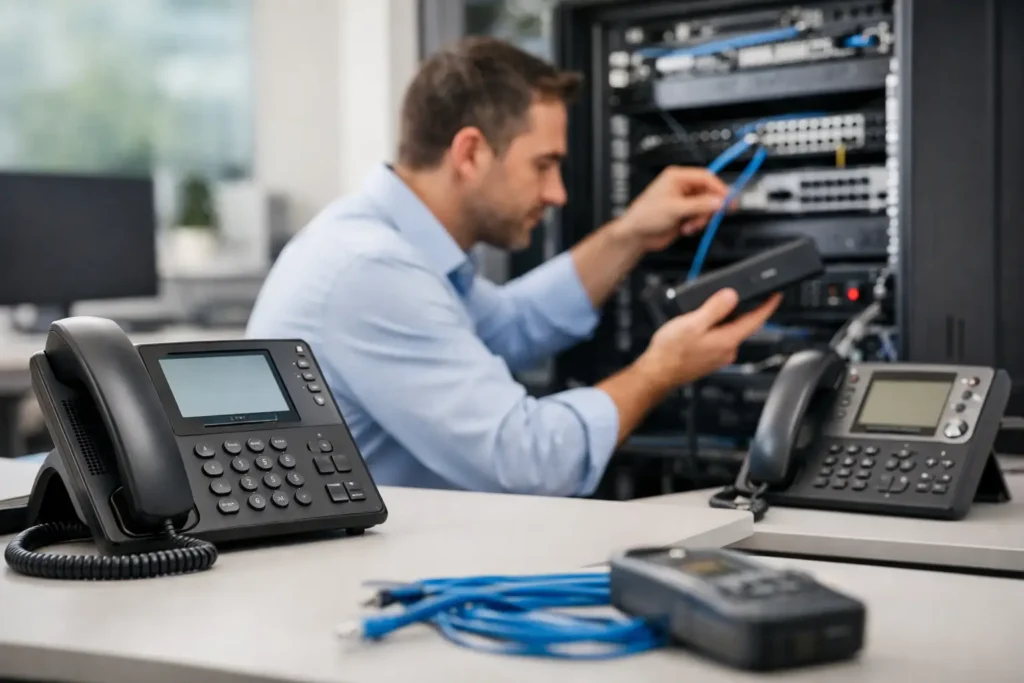
The visible part of a business phone system installation is usually quick: phones are placed, connected, labeled, and tested. The more important work happens in the configuration and validation behind the devices.
Extensions need to match employees and departments. Auto attendants need language that callers can understand. Call groups need to ring in the right order. Voicemail greetings, business hours, holiday schedules, emergency routing, and transfer permissions all need to reflect the organization’s policies.
Before the system goes live, test real scenarios rather than only checking for dial tone. Call the main number from an outside line. Select each menu option. Transfer a call from reception to a department. Confirm voicemail delivery. Test after-hours routing. Verify that emergency calling information is accurate for each location and that staff know how to use essential functions.
Number porting deserves particular attention. Moving existing business numbers to a new provider involves timing, account information, and coordination. A poorly managed port can create confusion or interrupted service. A staged plan can keep the current system available until the new service is ready, with a defined cutover window and support available when it matters most.
Train the People Who Will Use It
The most capable phone system is only useful when employees know the few functions they use every day. Training does not need to be technical or lengthy, but it should be specific to each group.
Reception staff may need call parking, transfer options, presence indicators, paging, and overflow procedures. Department employees may only need to answer, transfer, check voicemail, and update a greeting. Managers may need mobile access, reporting, or the ability to change schedules. Giving every user the same broad training can create confusion; focused instruction is more effective.
It also helps to provide a short reference for routine tasks and identify who should request changes after installation. Employees leave, departments move, and business hours change. A clear support process keeps small adjustments from becoming recurring problems.
Plan for Continuity and Growth
A dependable phone system includes a plan for the unexpected. Internet interruptions, power failures, severe weather, and facility access issues can all affect communications. Depending on the system, calls may be forwarded to mobile devices, an alternate office, or another designated destination when the primary location is unavailable.
Growth should be considered with the same practical mindset. Adding a few users may be easy, but opening a second location, connecting an intercom, expanding wireless coverage, or adding security monitoring can change the underlying requirements. Selecting equipment, cabling, and network capacity with reasonable room to expand can avoid a costly redesign later.
Comtex approaches communications as part of a connected business environment, not an isolated device purchase. When phone service, structured wiring, network infrastructure, intercoms, and physical security need to work together, one accountable team can help keep the project organized from design through ongoing service.
The best next step is to document how calls move through your business on a normal day and during an interruption. That simple exercise gives an installation partner the information needed to build a phone system that supports your people when customers need them most.