
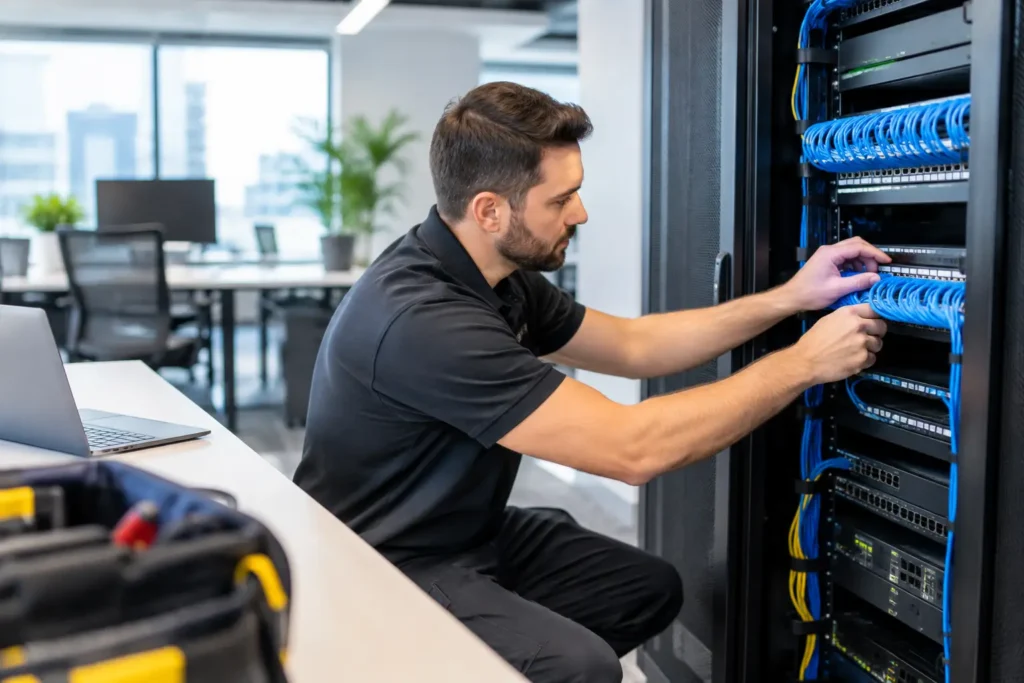
A slow connection in the front office can look like a small inconvenience until phones drop, cloud applications stall, a video meeting freezes, or a security camera loses its connection. For many businesses, those issues point to a larger problem: the network was built for a different number of employees, devices, applications, or locations. This office network infrastructure upgrade guide helps business leaders plan improvements that support daily operations without creating unnecessary disruption.
An upgrade is not only about faster internet. The network is the operating foundation for phones, wireless access, surveillance, access control, cloud software, payment systems, and the equipment employees rely on to serve customers. A well-planned project improves reliability today while leaving room for the business to grow.
Start With What Is Failing and What Is Changing
Before selecting new switches, wireless access points, or cabling, identify the business conditions driving the project. A network may be underperforming because it is old, but it may also be poorly designed, overloaded, damaged, or simply no longer suited to the building.
Talk with the people who experience the issues firsthand. Front-office staff may report poor Wi-Fi coverage. Operations teams may need dependable connections for scanners, tablets, or point-of-sale systems. IT staff may be concerned about aging equipment, limited ports, unsupported software, or a lack of network visibility. Facility managers may need the network to support new cameras, door access readers, intercoms, or alarm communications.
It also helps to look ahead 24 to 36 months. Consider planned hiring, office renovations, new tenants, warehouse expansion, more remote collaboration, and additional security coverage. Designing only for the immediate complaint can leave a business repeating the same project sooner than expected.
Assess the Full Network, Not Just Wi-Fi
Wireless coverage is often the most visible network concern, but Wi-Fi performance depends on the wired infrastructure behind it. An access point cannot provide consistent service if it is connected through aging cable, a limited switch, or an internet connection that cannot handle demand.
A useful assessment reviews the complete path from the internet service provider to the user device. That includes the service connection, firewall, router, switches, structured cabling, wireless access points, network racks, backup power, and connected systems. It should also account for equipment that may not look like traditional IT infrastructure, including phones, cameras, access control panels, intercoms, and building controls.
Structured Cabling Sets the Ceiling
Cabling installed behind walls and above ceilings is one of the most important long-term decisions in an upgrade. It is also the hardest component to replace after a space is occupied. Old cable categories, unlabeled runs, damaged terminations, and ad hoc extensions can limit speed and make troubleshooting harder.
For many offices, properly installed Category 6 cabling provides a practical foundation for current devices and future expansion. Higher-performance cabling or fiber may be appropriate for server rooms, network closets, larger facilities, high-bandwidth applications, or connections between buildings. The right choice depends on distance, environment, bandwidth requirements, and budget.
Installation quality matters as much as cable type. Clean routing, proper labeling, tested terminations, organized racks, and documented pathways help protect the investment and make service work faster later.
Switches and Power Need Enough Capacity
Modern business networks often carry more power-hungry connected devices than leaders expect. Wireless access points, IP phones, video cameras, door controllers, and intercom systems may receive both data and electrical power through the network switch.
That makes Power over Ethernet capacity a planning issue, not an afterthought. A switch may have enough physical ports but still lack sufficient power budget for every connected device. Port speed, uplink capacity between switches, managed network features, and backup power should also be reviewed. A single overloaded or poorly placed switch can become a point of failure for an entire department or floor.
Build a Wireless Plan for the Building You Have
Adding more wireless access points does not automatically solve Wi-Fi problems. Too few access points leave dead zones, but too many placed without a design can create interference and inconsistent device performance.
A wireless plan should consider the building’s layout and construction. Concrete walls, metal shelving, elevator shafts, refrigeration equipment, warehouses, conference rooms, and exterior spaces all affect signal behavior. The number of users matters, but so does the type of work being done. A lobby with guest access has different requirements than a training room where dozens of employees connect at once.
Separate wireless networks are often appropriate for employees, guests, and certain operational devices. Segmentation helps control access and can keep a guest device or compromised endpoint from reaching sensitive business systems. It is also wise to plan for managed wireless equipment that can be monitored and adjusted as usage changes.
Include Security and Communications in the Upgrade Plan
Network modernization is an opportunity to bring essential business systems into one coordinated design. When communications and physical security are treated as separate projects, organizations can end up with duplicate cabling, crowded equipment closets, competing network requirements, and multiple vendors to call when something stops working.
Video surveillance, access control, alarm communications, IP phones, intercoms, and wireless networks all depend on dependable connectivity. Each system has its own requirements for bandwidth, power, access permissions, and continuity during an outage. Cameras, for example, can create significant traffic and storage demands. Access control and emergency communication systems may require particular attention to backup power and reliable pathways.
A coordinated design does not mean every device shares the same access. It means the systems are planned together, with appropriate separation and documented connections. This approach can simplify installation, improve accountability, and reduce surprises when a future expansion requires more ports, power, or rack space.
Plan the Upgrade Around Business Continuity
The best technical design still needs a practical installation plan. Businesses should know which areas will be affected, when cutovers will occur, what systems may be temporarily unavailable, and who will verify performance afterward.
For a smaller office, much of the work may be completed after hours or in phases. A larger facility may need a department-by-department approach, especially if phones, access control, cameras, or critical workstations are involved. Existing equipment should remain active until new components have been tested whenever possible.
Ask the installation partner to define the project scope clearly. That includes cable locations, equipment placement, labeling standards, testing procedures, configuration responsibilities, warranty coverage, and final documentation. The goal is not simply to see new equipment installed. The goal is to leave the business with an organized, supportable system.
Choose for Supportability, Not Just Initial Price
Low upfront pricing can be appealing, particularly when a network issue feels urgent. However, the least expensive equipment or installation approach may cost more over time if it creates coverage gaps, lacks capacity, has limited manufacturer support, or requires repeated service visits.
A sound office network infrastructure upgrade should balance current needs with reasonable headroom. Not every business needs enterprise-level equipment in every location. At the same time, a growing office, multi-site organization, medical practice, school, warehouse, or customer-facing business may benefit from higher capacity, centralized management, redundant connections, or more extensive backup power.
Local support is also part of the value. When a phone issue, network outage, or camera connection problem affects operations, it helps to work with a provider that understands the original installation and can address the related systems. Comtex brings connectivity, communications, and security infrastructure together so Central Alabama businesses can work with one accountable partner instead of coordinating multiple vendors.
Questions to Answer Before Approving the Project
Before moving forward, decision-makers should be able to answer several practical questions:
- Which business problems is the upgrade expected to solve, and how will success be measured?
- How many employees, devices, phones, cameras, and access control components must the network support now and in the next few years?
- Are current cable runs tested, labeled, and capable of supporting the required speeds and power?
- What must stay operational during installation, including phones, internet access, surveillance, and entry systems?
- Who will provide ongoing monitoring, service, documentation, and support after the installation is complete?
Clear answers make it easier to compare proposals on more than equipment cost. They also help ensure every bidder is designing for the same operational requirements.
A network upgrade should leave your team with fewer workarounds, fewer unanswered service calls, and a clearer path for the next change your business needs to make. Begin with a site assessment and an honest discussion of what your people, facilities, and connected systems need to do every day.