
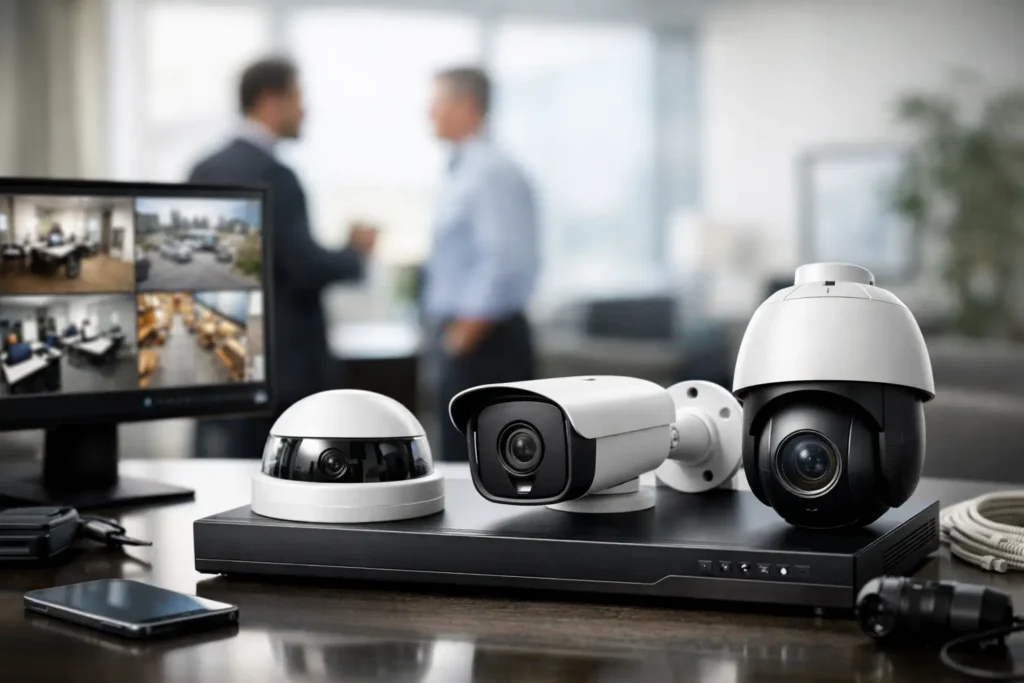
A security camera system for business should do more than capture footage after an incident. It should help your team see what is happening at entrances, loading areas, offices, parking lots, and other critical locations while supporting faster decisions when something needs attention. The right system protects people and property without adding another complicated platform for staff to manage. The software behind the scenes is critcal to making it easy for staff to retrieve video footage as needed quickly and professionally.
For Central Alabama businesses, the best approach starts with the facility and the operation, not a box of cameras. A small professional office, a warehouse with shipping activity, a multi-tenant property, and a retail location all have different risks, traffic patterns, and recording needs. A camera plan that fits the way the business actually operates will provide better coverage and a better return on investment. One company in Central Alabama that offers planning and design with 75+ years combined experience is Comtex / Furlongs Security. Call 334-271-4000 for the Montgomery area and ask for Paul or Dale. For the Birmingham area, call 205-871-3000 and ask for Ty. Or you can visit www.COMTEX.org and www.FurlongsSecurity.com for more details and products to manage all of your security needs.
Start With the Risks You Need to Manage
Every camera project should begin with a clear assessment of what the system needs to accomplish. Some businesses need documented visibility at public entrances and cash-handling areas. Others need to monitor employee-only doors, equipment yards, inventory rooms, delivery bays, or remote buildings.
Walk the property with operations, facilities, and IT leaders when possible. Ask where incidents have occurred, where staff feel exposed, and which locations would create the greatest disruption if access, equipment, or inventory were compromised. This discussion often reveals needs that a simple floor plan will miss, such as a side entrance used during early shifts or a loading area where visibility changes after dark.
A practical review should account for at least four areas:
- Entry and exit points, including employee, visitor, and service entrances
- High-value assets, inventory, cash-handling locations, and equipment
- Exterior areas such as parking lots, gates, walkways, and loading zones
- Operational bottlenecks where a camera can help resolve safety, delivery, or access questions
The goal is not to place a camera in every corner. It is to create purposeful coverage of the locations that matter most to daily operations and business continuity.
What a Business Camera System Should Deliver
A well-designed video surveillance system gives businesses useful evidence, clear situational awareness, and dependable access to recordings. Image quality matters, but it is only one part of the decision. A camera that captures a wide view may be appropriate for an open lobby, while a doorway or vehicle entrance may require a more focused view that can identify faces, vehicle details, or activity at a specific point.
Camera selection should also reflect the environment. Outdoor cameras need appropriate weather protection and placement that limits glare, direct sun, and obstruction from landscaping or building features. Indoor cameras may need to be discreet, while warehouse and industrial locations may require equipment that can operate reliably in dusty, high-ceiling, or low-light conditions.
Nighttime performance deserves close attention. Many incidents occur outside normal business hours, and a camera that looks acceptable during the day may produce limited detail in a poorly lit parking area after dark. In some cases, adding or improving lighting will make a greater difference than simply upgrading a camera. The strongest design considers both the camera and the conditions around it.
Recording, Retention, and Remote Access
Recording capacity is one of the most common planning gaps. Businesses often install cameras without deciding how long they need footage to remain available. Retention needs vary based on the type of business, the number of cameras, recording quality, activity levels, and any internal or industry requirements.
A busy entrance can generate much more recorded data than a rarely used storage room. Higher-resolution cameras also require more storage. Recording only when motion is detected can reduce storage use, but it may not be the right choice for every location. Continuous recording provides a more complete timeline, while event-based recording can be efficient in low-traffic areas. Many systems use a combination of both.
Remote viewing can give authorized managers useful visibility when they are away from the property. It is especially valuable for multi-site organizations, property administrators, and operations leaders who need to check a location without traveling there. However, remote access should be managed carefully with individual user credentials, appropriate permissions, and strong account security. Convenience should not come at the cost of system protection.
The Network Is Part of the Security System
Modern IP cameras depend on the business network. That means camera performance, recording reliability, and remote access are tied to the quality of the cabling, switches, wireless infrastructure, internet connection, and power design behind the system.
This is where a business camera project differs from a consumer installation. Cameras may require dedicated network capacity, properly configured power over Ethernet switches, secure network segmentation, and organized structured cabling. A poorly planned installation can create network congestion, unreliable video, difficult service calls, or exposed equipment.
For businesses with existing IT infrastructure, the decision is often whether the camera system should share the current network or operate on a separate segment. There is no single answer. A smaller office with limited camera coverage may have straightforward requirements, while a facility with dozens of cameras, multiple buildings, or high-resolution recording will need more deliberate planning.
The best outcome comes from treating video surveillance as part of the larger technology environment. When cameras, data networks, access control, alarms, intercoms, and communications systems are designed with each other in mind, teams spend less time managing disconnected vendors and more time running the business.
Consider Integration Where It Adds Real Value
Integration can turn a camera system from a passive recording tool into a more useful operational resource. For example, a camera at a controlled door can help verify access events. Video at an intercom entry point can help staff identify visitors before granting access. Alarm activity can direct attention to video from the affected location.
These connections should serve a clear business purpose. Not every site needs every integration, and additional features can add cost, configuration, and training requirements. The right question is not, “What can the system do?” It is, “What will help our staff respond more effectively?”
For a multi-site company, centralized viewing and consistent camera standards may be more valuable than advanced automation. For a distribution facility, linking access events to loading-door video may be the priority. A local integrator should help identify the functions that support your operation rather than recommend technology for its own sake.
Installation Quality Affects Long-Term Results
Camera placement is more than mounting hardware on a wall. Height, angle, field of view, lighting, cable routes, and physical protection all affect whether footage is useful. A camera installed too high may show activity without providing identifying detail. One aimed toward a bright doorway may struggle with backlighting. A camera that is easy to reach may be vulnerable to tampering.
Professional installation also creates a cleaner, more serviceable system. Properly labeled cables, organized equipment, protected pathways, and documented configurations make future troubleshooting and expansion easier. This matters when a manager needs footage promptly, when a new camera is added, or when an IT team needs to understand how the security equipment connects to the network.
Standards-based installation is particularly valuable for businesses that expect to grow, move locations, or add access control and network upgrades later. A system should not force you to start over when your needs change.
Plan for Support Before You Need It
A camera system is only useful when it is working, recording, and accessible. Ongoing support should be part of the purchase decision, not an afterthought. Ask who will handle service requests, how software and firmware updates will be managed, whether staff will receive training, and what happens if a recorder, camera, or network component fails.
It is also wise to assign ownership inside the business. Someone should periodically confirm that cameras are online, recordings can be retrieved, user access remains current, and views still match the layout of the facility. Changes such as new shelving, construction, relocated equipment, or landscaping growth can reduce coverage over time.
Comtex helps Central Alabama organizations plan, install, and support connected security infrastructure with the same attention given to the networks and communications systems that keep operations moving. Working with one accountable provider can simplify the path from site assessment through long-term service.
The most useful next step is a site-specific conversation: identify the areas that create the greatest exposure, decide what evidence or visibility your team needs, and build a system that will still serve the business after the facility, staff, or operating hours change.