
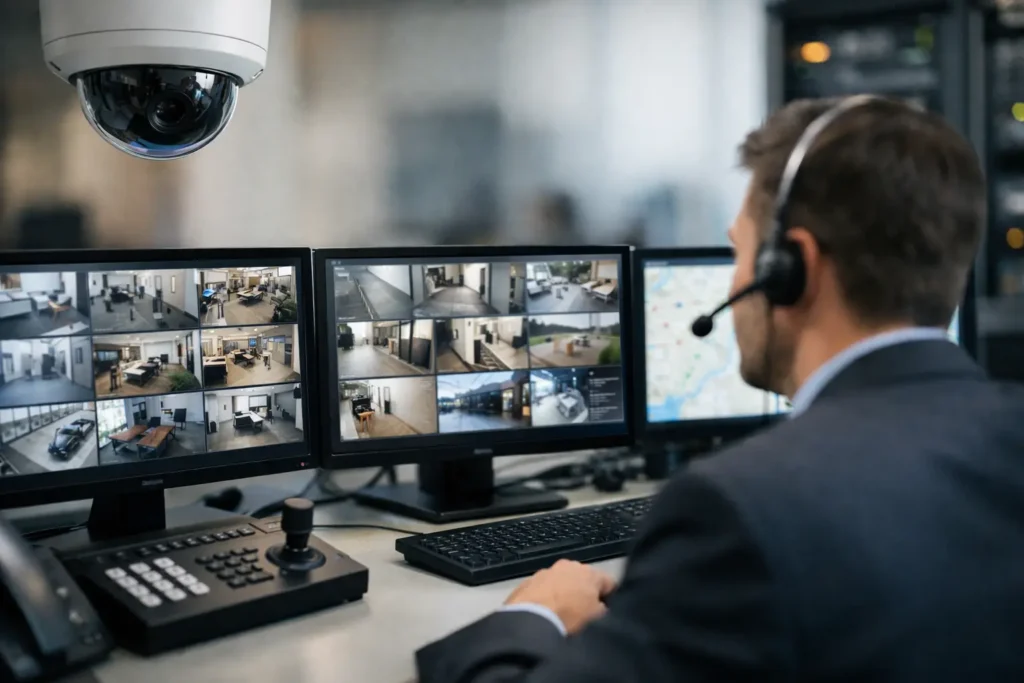
A burglary alarm that sounds inside an empty building may discourage an intruder, but it does not automatically bring help. That is the practical difference behind the question, what is security system monitoring? Monitoring connects your security system to trained professionals who receive alarm signals, follow an agreed response plan, and contact the right people or emergency responders when an event requires action.
For a business, this service extends protection beyond business hours and beyond the people physically on-site. It gives facility managers, owners, and operations teams a defined process for handling alarms instead of relying on someone to notice a phone alert at 2:00 a.m.
What Is Security System Monitoring?
Security system monitoring is an ongoing service in which a central monitoring station receives signals from a business security system. Those signals may come from intrusion devices such as door contacts, glass-break sensors, motion detectors, panic buttons, or fire and life-safety equipment where applicable.
When the system detects a condition that matches an alarm event, it communicates that signal through a monitored connection. Monitoring personnel review the information, follow the account’s instructions, attempt to verify the event when appropriate, and notify designated contacts or emergency services based on the situation and local procedures.
The monitoring station does not replace law enforcement, fire departments, or your internal security staff. Its role is to make sure alarm activity is received and acted on according to a documented plan, even when your team is unavailable.
How Security System Monitoring Works
A monitored system starts with properly installed detection devices and a control panel. The panel supervises the devices and communicates with the monitoring station through a connection such as cellular, internet, or traditional phone service. Many commercial systems use more than one communication path so an alarm can still be transmitted if a primary connection is interrupted.
When a protected door opens after hours, for example, the panel sends an event signal. The monitoring station identifies the account, location, alarm type, and response instructions. Depending on the setup, an operator may call the site, contact designated employees, request a guard response, or dispatch local emergency services.
The exact sequence matters. A warehouse may require immediate notification to an after-hours manager and a designated security contact. A medical office may have separate instructions for a burglary alarm, a duress alarm, and a refrigeration or environmental alert. A multi-site organization may need different contact lists, schedules, and procedures for each location.
That is why monitoring should be configured around the way a business actually operates, not treated as a one-size-fits-all add-on.
Alarm signals are not all handled the same way
A monitored commercial security system can report more than an active intrusion alarm. Depending on the equipment and service plan, it may send supervisory and trouble conditions, such as a low backup battery, loss of communication, a panel enclosure opening, or a device issue.
Receiving these signals helps identify problems that could leave a facility less protected. It also supports a more disciplined maintenance process. If a system repeatedly produces trouble signals or false alarms, the issue can be investigated before it becomes an operational distraction or leads to unnecessary dispatches.
Monitoring, Video Surveillance, and Access Control
These technologies work well together, but they are not the same service. Video surveillance records and displays activity. Access control manages who can enter specific doors and when. Alarm monitoring receives security signals and initiates a response process.
For example, an access control system may show that an employee badge opened a side entrance at 6:30 p.m. A camera may provide video of that entrance. If the door is forced open or remains open beyond an allowed time, an integrated alarm system can send a signal for monitoring response.
Integration can give businesses better context during an event. A facility manager may be able to review video, check access activity, and see alarm history from connected systems. Still, the value depends on system design, the devices installed, and the response procedures assigned to the site. Adding technology without clear responsibilities can create more alerts without improving security.
Why Businesses Choose Professional Monitoring
The primary benefit is continuity. Business owners and managers cannot reasonably be expected to personally respond to every after-hours alarm, particularly across multiple locations. Monitoring provides a consistent process that does not depend on one employee having their phone nearby, recognizing an alert, and knowing what to do next.
It can also support safer decision-making. A contact who receives notice of an alarm can make an informed decision without feeling obligated to enter a potentially unsafe facility alone. If a dispatch is required, trained responders and local authorities follow their own procedures.
For many Central Alabama businesses, monitoring is especially useful for offices, warehouses, retail locations, churches, schools, healthcare facilities, and properties with valuable equipment or sensitive records. The right level of protection varies. A small office may need monitored intrusion detection and a simple call list, while a multi-site operation may need managed access control, video coverage, redundant communications, and site-specific escalation plans.
What Determines the Right Monitoring Setup?
A good monitoring plan begins with the risks at the property, not just the equipment catalog. Entry points, operating hours, occupancy, inventory, cash handling, employee safety concerns, and local response requirements all influence the design.
Communication reliability is another major consideration. A system that depends on a single phone or internet connection may be vulnerable during an outage or service interruption. Cellular backup or dual-path communication can provide additional resilience, although it adds equipment and service costs.
Response instructions deserve the same attention as the technology. Contact lists should be current, with clear order of notification and realistic expectations for each person. Businesses should decide in advance who can authorize service, who has keys or credentials, and when emergency dispatch is appropriate. Those details reduce confusion when an alarm occurs.
False alarms are also a real consideration. Improperly placed motion detectors, unsecured doors, rushed opening procedures, and untrained staff can all trigger unnecessary events. Frequent false alarms can disrupt operations, create costs, and affect how local authorities respond. Professional installation, employee training, and periodic testing help reduce that risk.
Questions to Ask Before Selecting a Monitoring Provider
Before moving forward, business leaders should understand what signals will be monitored, how the system communicates, and what happens after an alarm is received. Ask whether the provider can support your existing system or whether new equipment is needed. Confirm whether monitoring includes trouble conditions and whether there is a backup communication path.
It is also worth asking how your account will be set up and maintained. Can contact lists be updated quickly? Are separate schedules available for holidays, temporary closures, or different departments? Who handles service when a device, panel, camera, or communication path needs attention?
For businesses using several technology vendors, accountability can become unclear during an incident. An alarm provider may point to the network, the network vendor may point to the panel, and the property manager may be left coordinating the response. Working with a qualified integrator that understands alarm systems, structured cabling, networks, access control, and video can simplify both installation and long-term support.
Monitoring Is Only as Effective as the System Behind It
Monitoring cannot compensate for poorly installed equipment, incomplete coverage, unreliable connectivity, or outdated account information. It is one part of a broader physical security strategy that should include sound system design, properly placed detection devices, secure access points, employee procedures, and routine service.
Comtex helps commercial customers bring these connected systems together through quality installation, security infrastructure, communications, and ongoing support. For a business with changing facilities, staffing, or operational needs, that single-provider approach can make it easier to keep protection aligned with the way the organization works.
The most useful next step is to walk through your facility after hours and consider what would happen if a door opened, a panel lost communication, or an employee needed help. If the answer depends on guesswork, security system monitoring can provide the response plan your operation needs.